Free & Open Source · Manifest V3

Block the noise.
Focus on what matters.

A powerful open-source Chrome extension that blocks distracting websites in one click. No accounts, no subscriptions, no telemetry.
Download Extension (.zip) View on GitHub
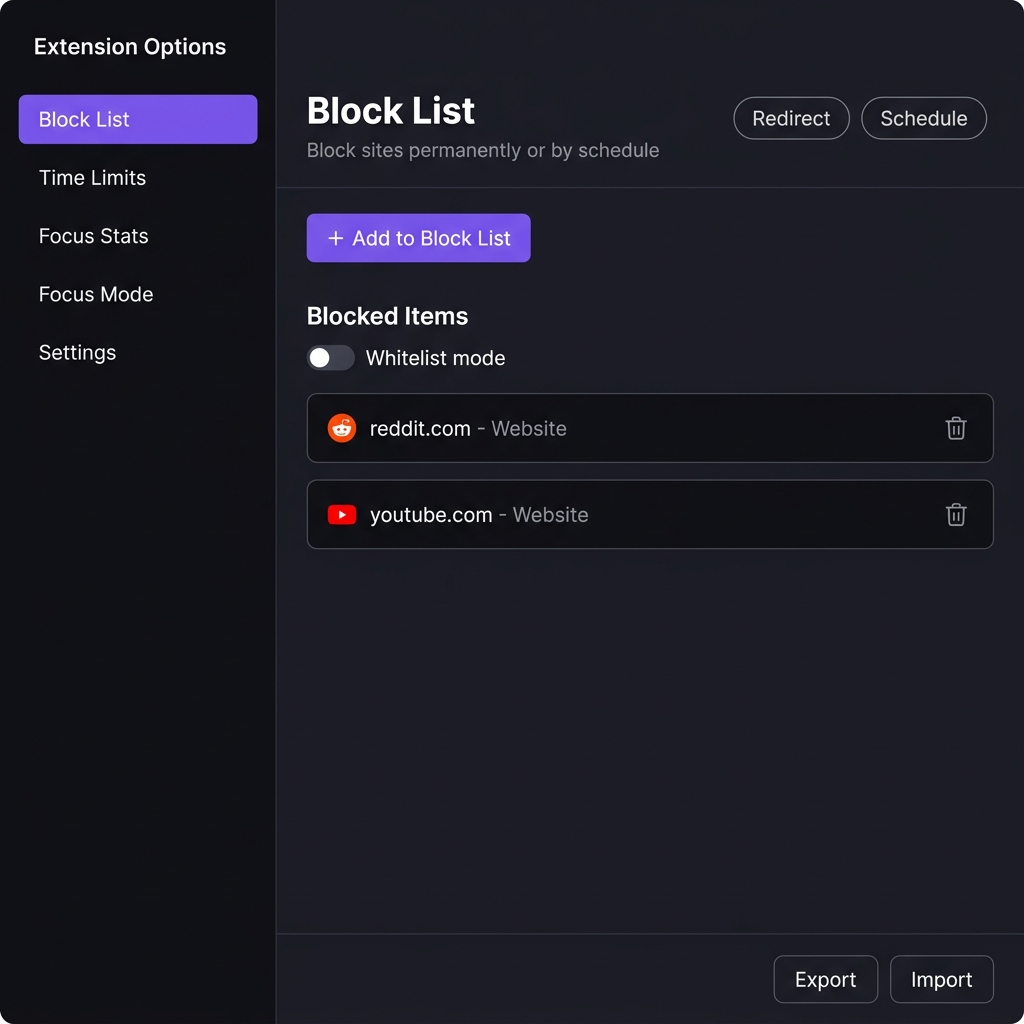
Block Domain Free block list UI screenshot
Features

Everything you need to stay focused

Lightweight, privacy-first, and brutally effective at blocking distractions.

🚫
Instant Site Blocking
Block any website by domain with a single toggle. Takes effect immediately — no restart required.
Lightning Fast
Content script intercepts requests at document_start. Blocked pages never load.
🎨
Beautiful Block Page
Elegant dark-themed blocked page with animated visuals and motivational quotes to keep you on track.
📊
Focus Statistics
Track how many times you were saved from distractions today and all time.
🔒
Privacy First
Zero telemetry, zero accounts, zero data sent anywhere. Everything stays on your device.
🌐
Open Source
Full source code available on GitHub. Inspect it, fork it, contribute to it — it's all yours.
Screenshots

See it in action

A clean, dark interface designed to get out of your way.

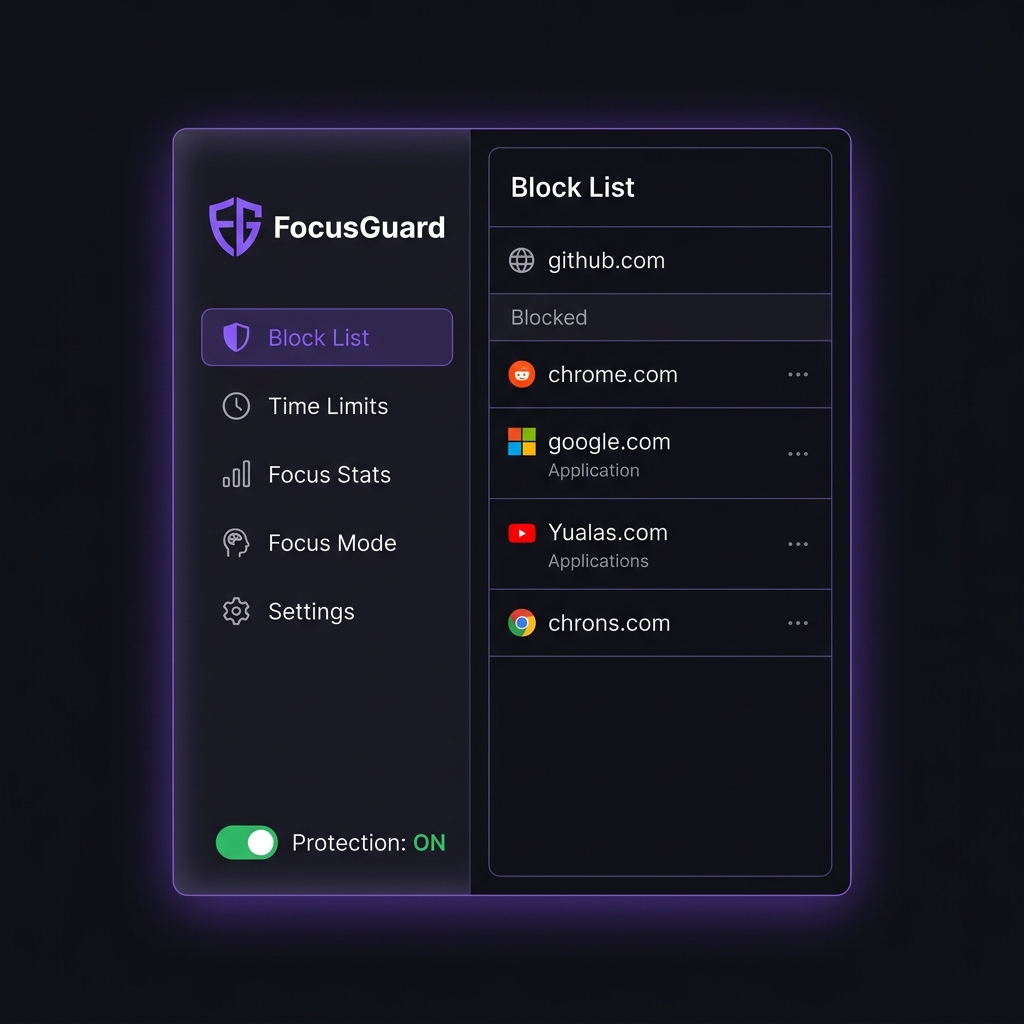
Block List page — manage blocked websites

Block List — add, remove, and manage sites to block

Extension popup — quick toggle for current site

Popup — instantly block or unblock the current site

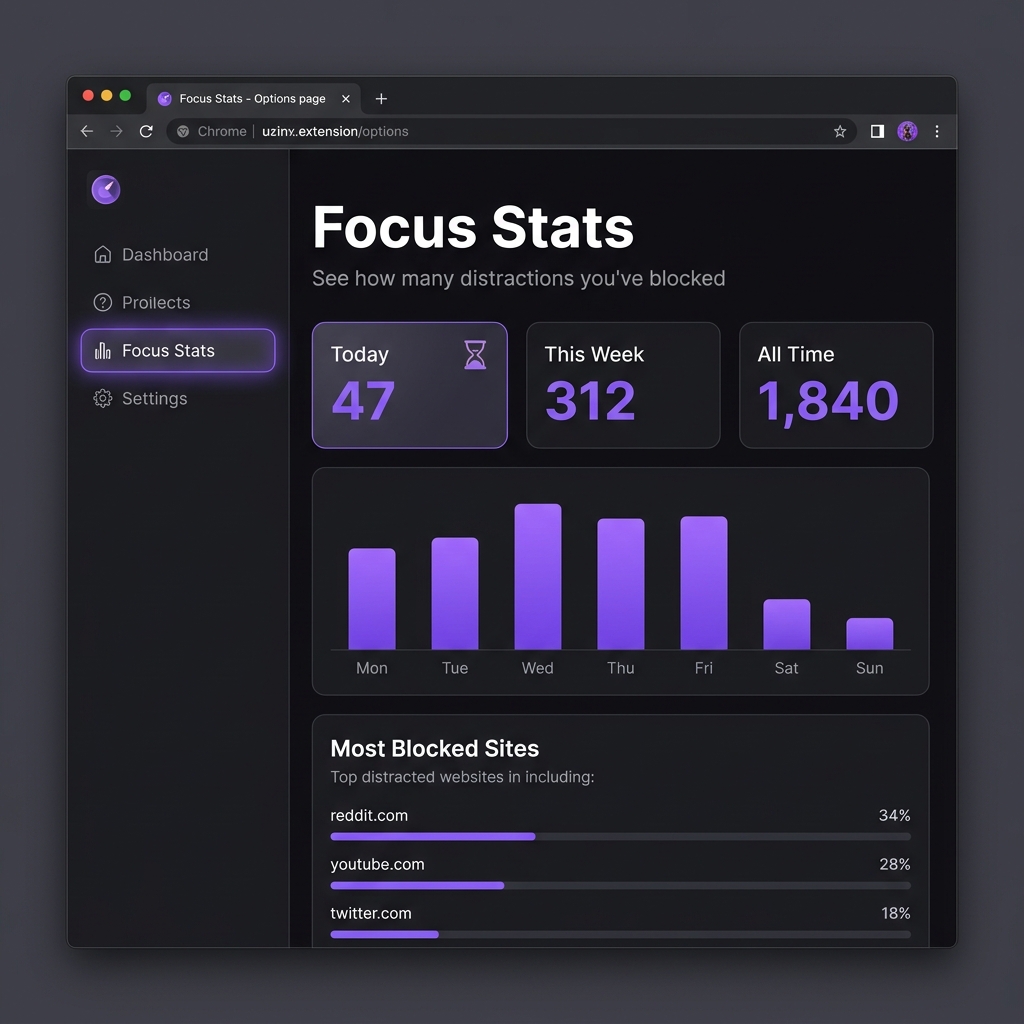
Focus Stats — see blocked attempts over time

Focus Stats — track how many distractions you've avoided

How it works

Simple by design

Three steps from install to fully focused.

1
Install the extension
Load the extension in Chrome via Developer Mode. No Chrome Web Store account required.
2
Add sites to block
Click the extension icon on any tab and toggle the switch — or type any domain to block it instantly.
3
Stay focused
Every attempt to visit a blocked site shows a clean, motivating blocked page instead.
0
% Open Source
0
MB of data collected
0
Click to block any site
0
Manifest V3 compliant
Installation

Get started in 60 seconds

No Chrome Web Store listing yet — install directly from GitHub.

1
Clone the repository
Download the source code to your computer.
git clone https://github.com/ittermit/block-domain-free.git
2
Open Chrome Extensions
Navigate to chrome://extensions and enable Developer mode in the top right corner.
3
Load unpacked
Click Load unpacked and select the block-domain-free folder you cloned.
4
Start blocking!
Pin the extension and click its icon to start blocking distracting websites immediately.

Ready to reclaim your focus?

Free forever. No account. No nonsense. Just productivity.